

Dead-Front Capacitive Touch Panels: Hidden-Until-Lit Icons
Specify a dead front capacitive touch panel with clear off/on acceptance criteria, aligned touch targets, and fixed-exposure sample reviews for OEM projects.
Read the engineering note →Backlighting and optical design notes covering LED indicators, full backlighting, dead-front icons, ink opacity, and light leakage control.
Specify a dead front capacitive touch panel with clear off/on acceptance criteria, aligned touch targets, and fixed-exposure sample reviews for OEM projects.
Read the engineering note →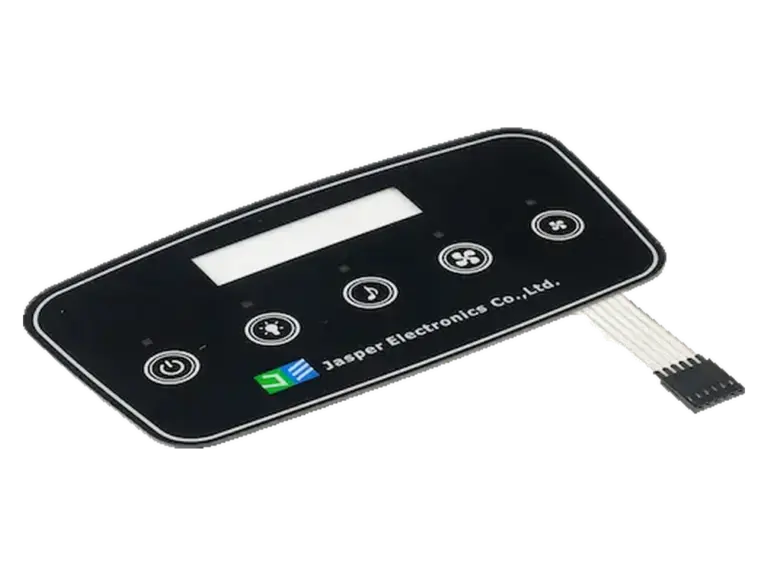
Diagnose touch faults when LEDs turn on, dim, or change color. Compare lighting states, power returns, sensor logs, and controller mitigation options.
Read the engineering note →
Plan backlit capacitive touch panels with icon-state tables, coordinated optical layers, LED drive requirements, and lit/unlit sample acceptance checks for OEMs.
Read the engineering note →
Plan LED layouts, light paths and lit/unlit validation for backlit silicone keypads. Use an OEM design checklist to prepare a complete RFQ.
Read the engineering note →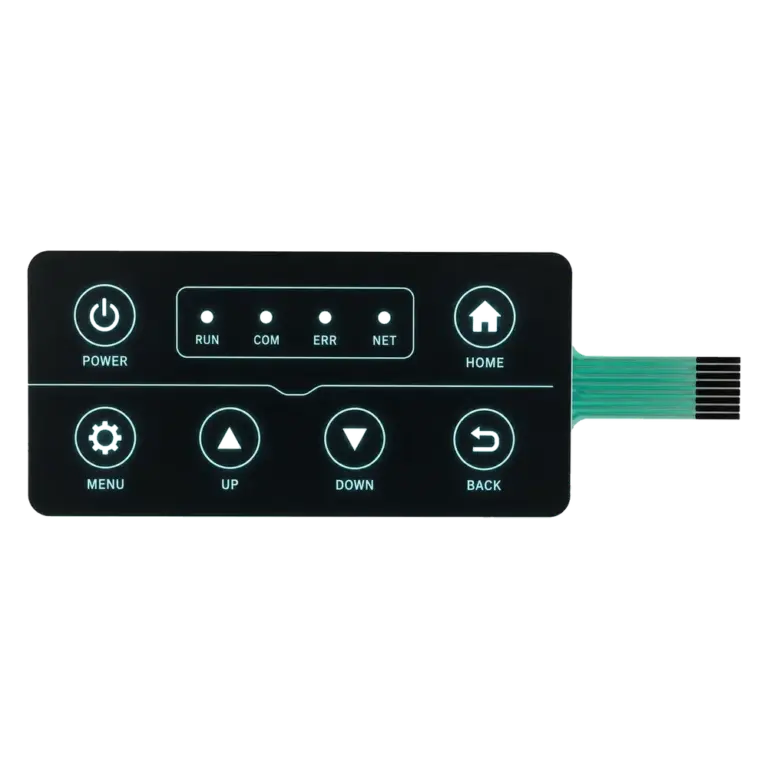
Stop light leakage on backlit membrane keypads. Engineer 4 layers: blocking ink, diffuser, LGF reflector, ±0.05 mm alignment. Test method included.
Read the engineering note →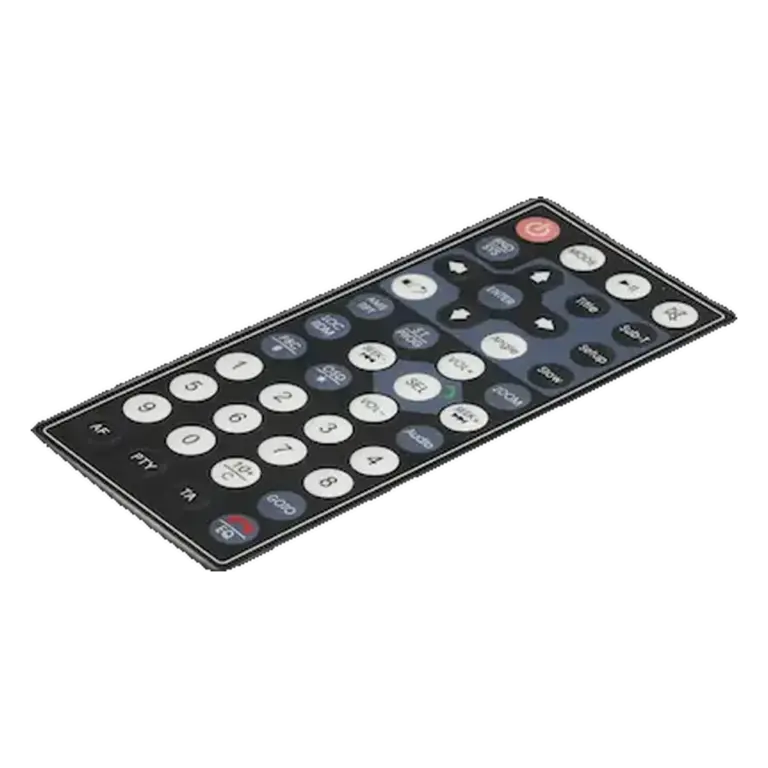
Graphic overlay printing opacity decides color fidelity, dead-front legend hiding, and backlight bleed. Spec OD ≥ 2.5 (TAPPI T 425, ASTM D2805) and 2–4…
Read the engineering note →
How hidden-until-lit membrane-switch icons work: optical masking, compatible materials, LED placement, diffusion and validation of lit and unlit appearance.
Read the engineering note →
Compare membrane-switch LED indicators, LGF and EL backlighting by visibility, power, thickness and cost. Learn what to specify and verify before production.
Read the engineering note →