
Materials for Custom Interface Products
Materials for membrane switches, keypads, graphic overlays, touch panels, and HMI assemblies work as a complete stack. JASPER reviews films, adhesives, circuits, tactile parts, optical layers, rigid panels, and sealing details against the drawing, enclosure, environment, appearance, and approval requirements.
- Start with
- Drawing + enclosure substrate
- Define
- Environment + operator use
- Confirm
- Stack-up + approval record
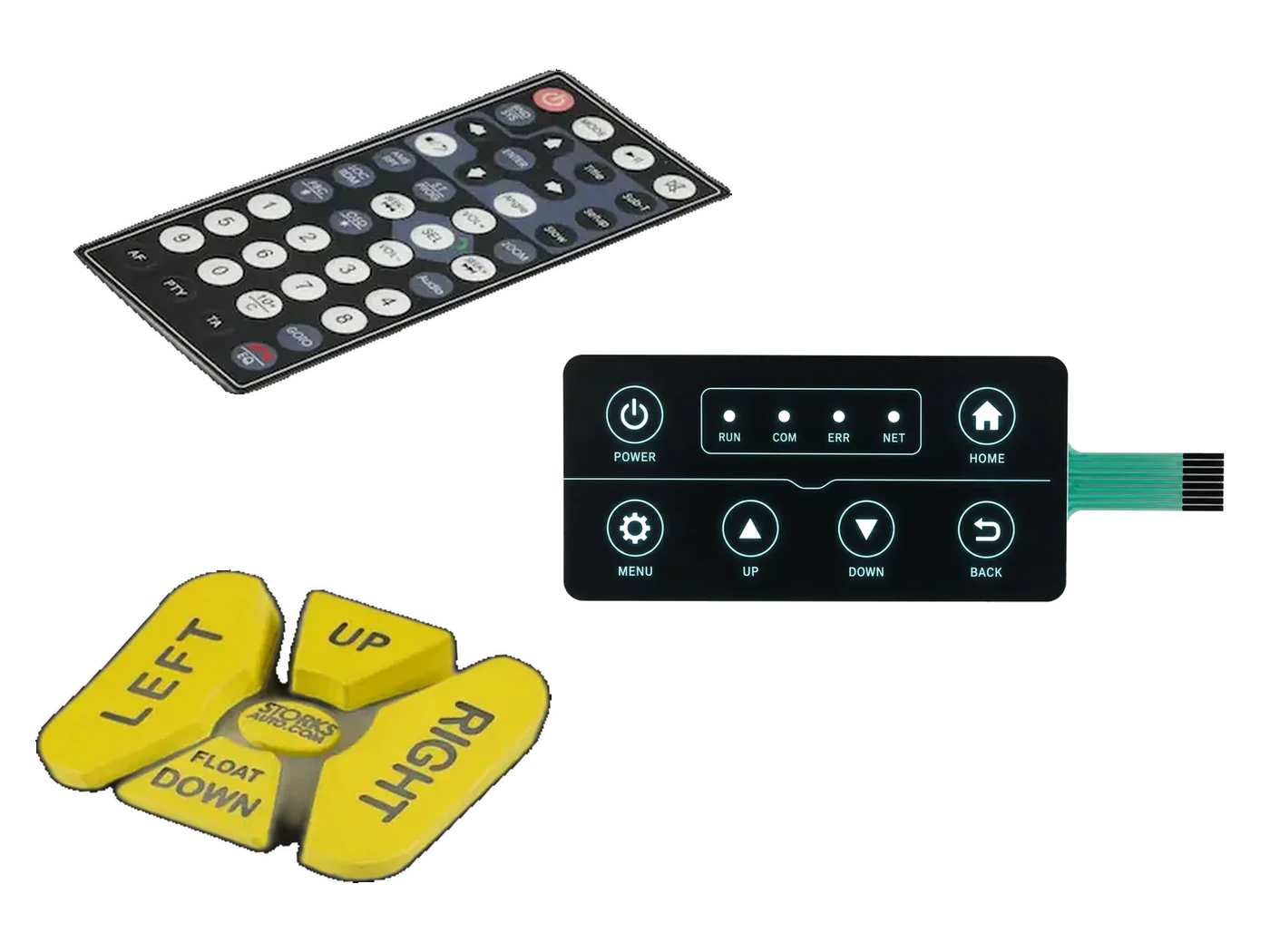
Start with the Decision You Need to Make
Move into the material library by layer, operating condition, product construction, or approval evidence.
01
Explore the Interface Material Stack
Select a layer to see its role, project inputs, and material-family path.
Drag to rotate. Select a layer to inspect it.
Define the surface the operator sees and touches.
The top layer controls graphics, windows, texture, cleaning exposure, and much of the perceived product quality. Film, rigid cover lens, coating, print location, and edge geometry must be reviewed together.
- PET, polycarbonate, glass, acrylic, or verified alternatives
- Reverse printing, windows, textures, embossing, and coatings
- Cleaning chemicals, scratch exposure, UV, and viewing requirements
02
Material Families Used Across JASPER Interfaces
Each family solves a different part of the interface. Final selection depends on the complete construction and required evidence.
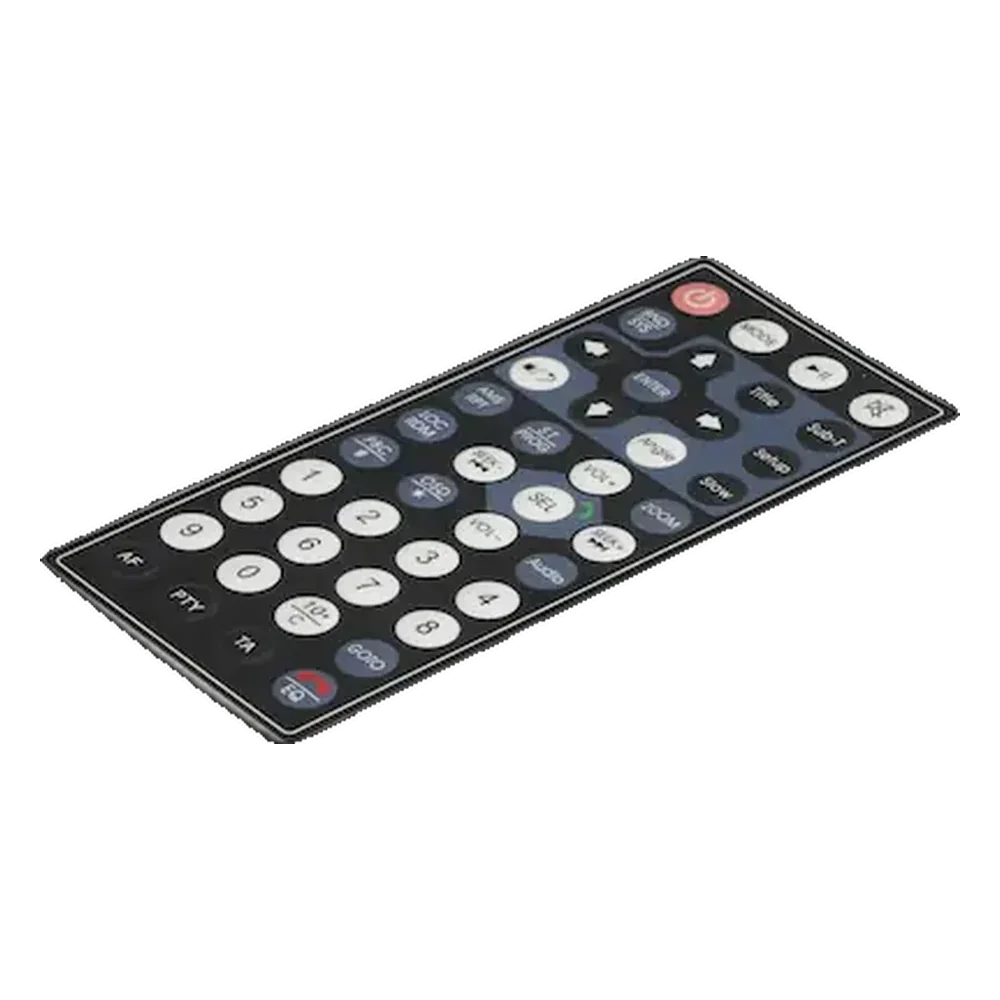
01 / Material family
Overlay Films
Film selection balances print protection, texture, flexing, windows, embossing, cleaning, and appearance.
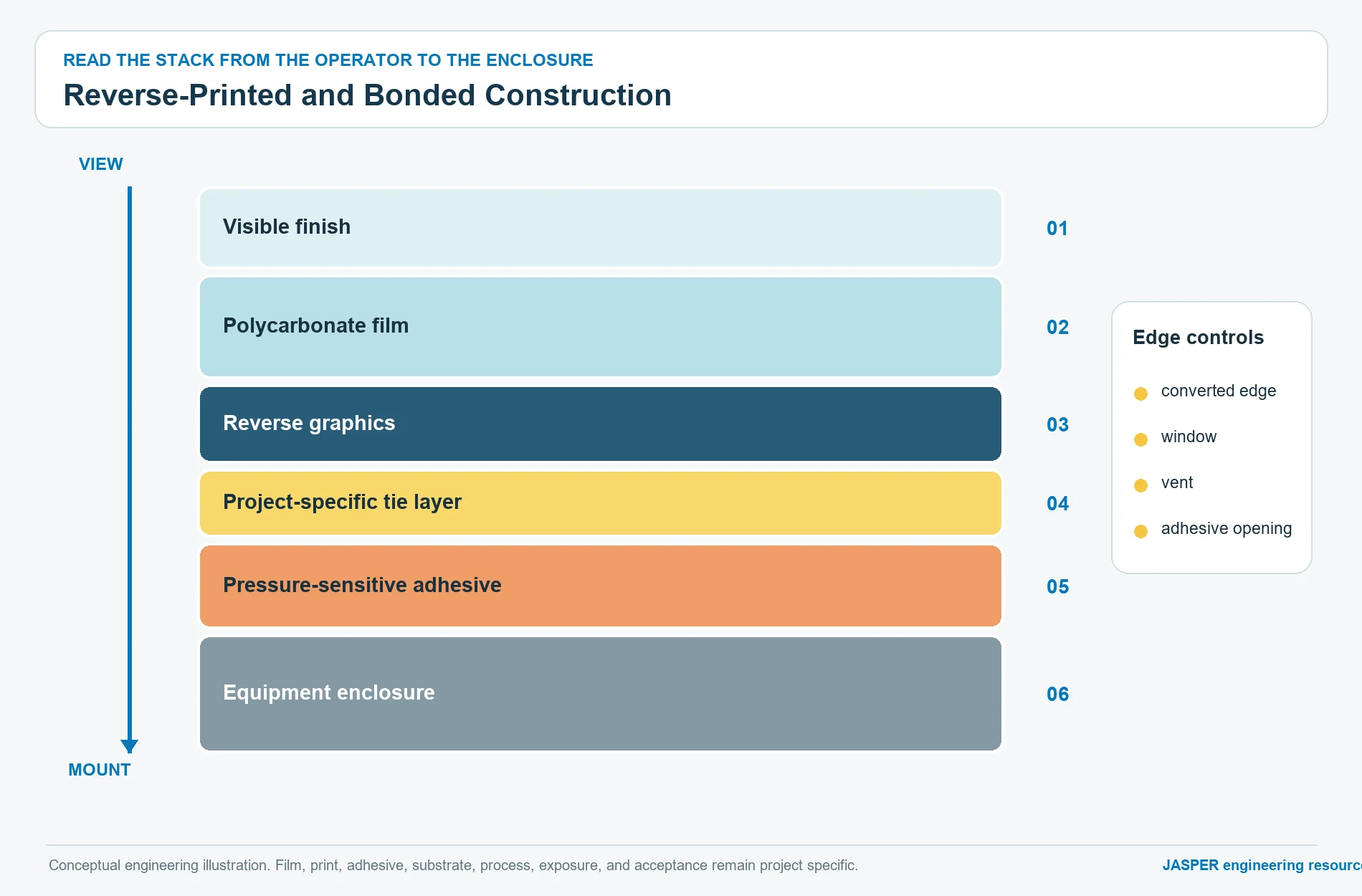
02 / Material family
Pressure-Sensitive Adhesives
Surface, geometry, environment, liner design, and assembly method must be evaluated together.

03 / Material family
Circuit Substrates & Conductive Inks
Printed PET, copper FPC, and rigid PCB solve different routing, component, connector, and support needs.
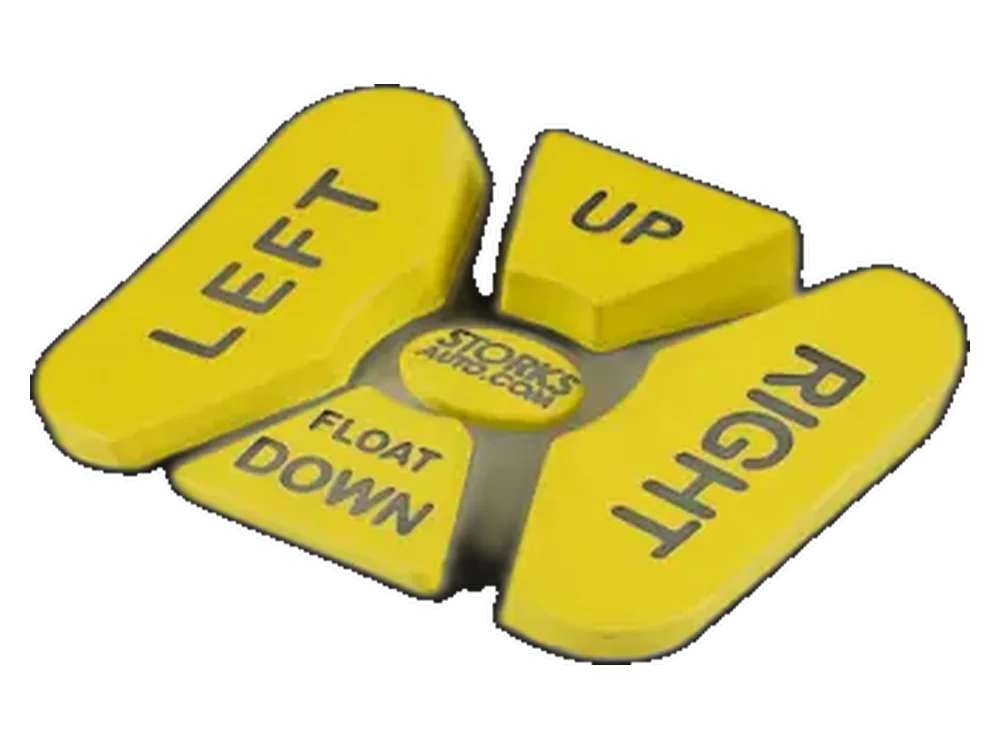
04 / Material family
Silicone Rubber & Contact Materials
Molded geometry, contacts, legends, coatings, lighting, circuit, and enclosure determine the result.
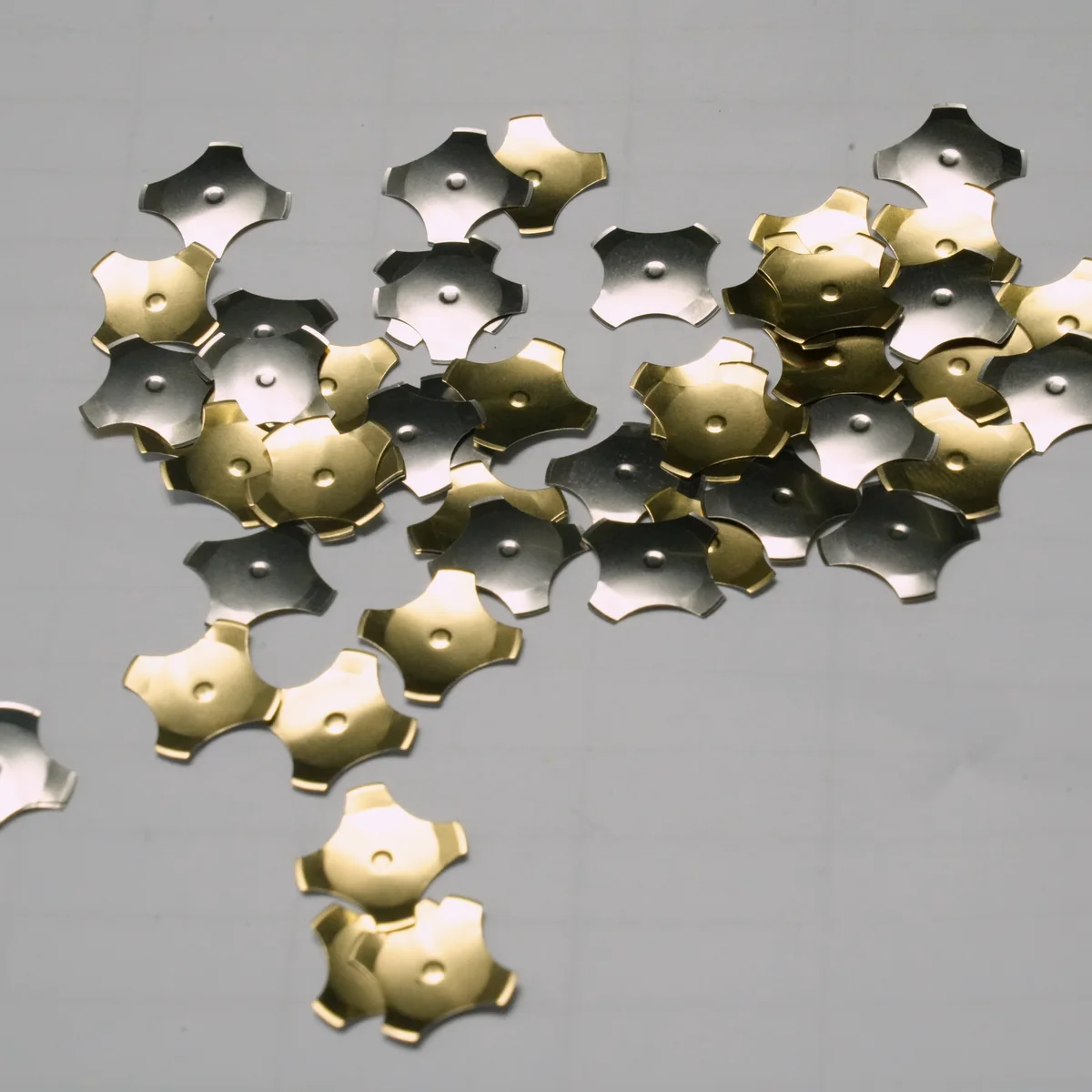
05 / Material family
Metal Domes & Tactile Components
Force alone is not a complete key-feel specification; geometry, venting, retainer, actuator, and support matter.
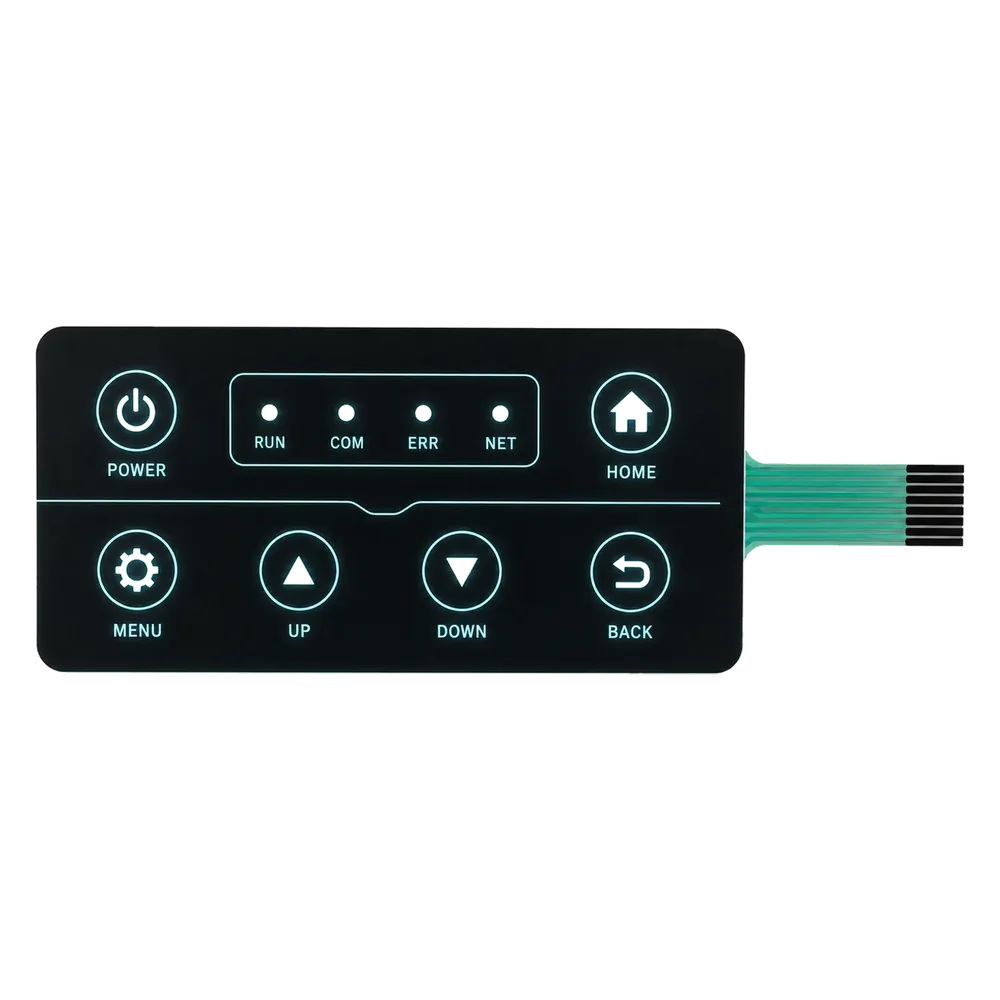
06 / Material family
Backlighting & Optical Materials
Source, guide, diffuser, blocker, translucent graphics, surface, and enclosure form one light path.
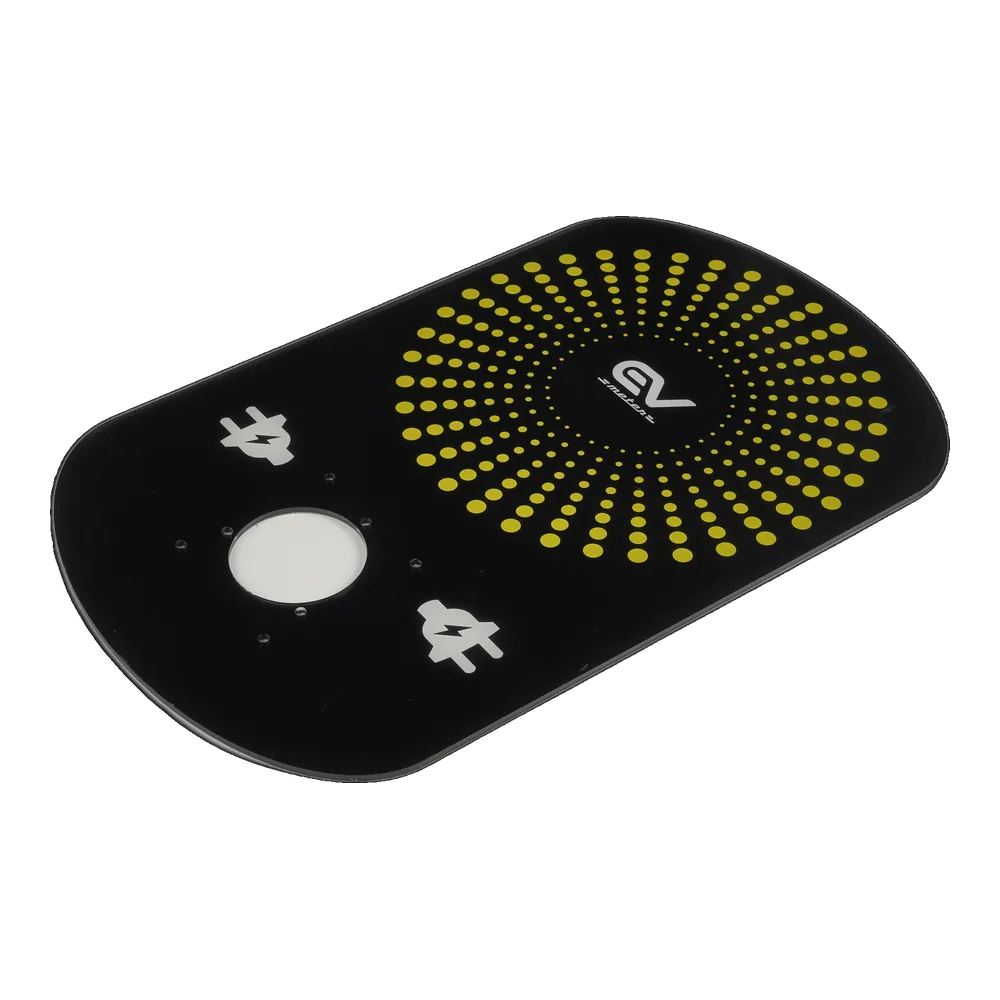
07 / Material family
Rigid Panels & Nameplate Materials
Material, finish, edge, marking, windows, grounding, attachment, and interface integration are interdependent.
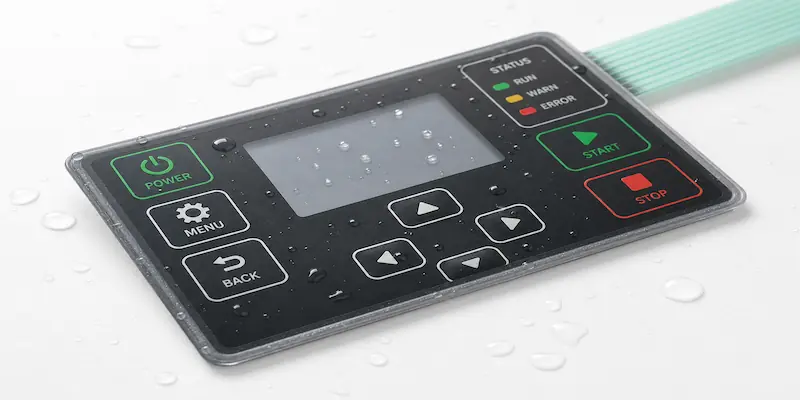
08 / Material family
Sealing, Spacers & Gaskets
Spacers, gaskets, vents, liners, and tail exits contribute to a seal system owned by the complete enclosure.
03
Choose Materials by Project Requirement
The path is a review starting point, not a universal specification.
| Project requirement | Review together | Material path | Engineering note |
|---|---|---|---|
| Frequent chemical cleaning | Film, print, coating, adhesive, and edges | Overlay Films | Confirm cleaner and use method |
| Outdoor exposure | Film, ink, coating, adhesive, gasket, and enclosure | Overlay + Sealing | Review the complete exposed construction |
| Curved or difficult enclosure | Conformability, surface, adhesive, and liner | Adhesives | Prototype on the actual substrate |
| Defined tactile response | Dome or web, actuator, spacer, vent, and support | Tactile Components | Approve installed key feel |
| Backlit or dead-front legends | Source, guide, blocker, diffuser, and print | Optical Materials | Review lit and unlit samples |
| Dense routing or components | Conductor, circuit, tail, connector, and support | Circuit Materials | Define electrical inputs first |
| Premium rigid appearance | Panel, finish, marking, window, and mounting | Rigid Panels | Control edge and cosmetic approval |
| Dust, splash, or washdown | Perimeter, tail exit, vent, gasket, and enclosure | Sealing | Assembly owns ingress performance |
04
Materials by Product Family
Layer count, support, optical path, and sealing boundary change by construction.
| Product family | Primary material review |
|---|---|
| Membrane Switches | Film, adhesive, circuit, tactile parts, seal, and support |
| Silicone Rubber Keypads | Molded keymat, contact, circuit, coating, and enclosure |
| Graphic Overlays | Film or panel, print, finish, windows, and mounting adhesive |
| Capacitive Touch Panels | Dielectric, optical stack, circuit, cover, and enclosure |
| Seat Occupancy Sensors | Sensor layers, routing, protection, support, and installation |
| HMI Assemblies | Interface layers, display, circuit, connector, and supplier boundary |
05
How JASPER Reviews a Material Stack
Inputs, candidate paths, prototypes, and an approved construction record keep decisions tied to the drawing.
Collect project inputs
Drawing, enclosure, environment, appearance, key feel, electrical needs, and required records.
Screen material paths
Compare candidates against geometry, process, supplier evidence, availability, and project risk.
Prototype and validate
Check fit, bond, print, window, light, feel, routing, sealing, and assembly handling.
Approve the construction
Freeze drawing, stack-up, artwork, sample status, inspection points, records, and change triggers.
06
Material Documents and Approval Records
Availability varies by material, supplier, construction, order stage, and project.
- 01Technical data sheetWhen available
- 02Compliance or material declarationProject-specific
- 03Finish or color sampleBy approval plan
- 04Approved drawing and stack-upRelease record
- 05Inspection or functional recordPer agreed controls
07
Related Material Selection Guides
Go deeper into films, adhesive selection, circuits, tactile force, environment, and sealing.
Not Sure Which Material Stack Fits Your Enclosure?
Send the drawing, enclosure substrate, environment, cleaning chemicals, appearance target, key feel, electrical inputs, and required documents.