
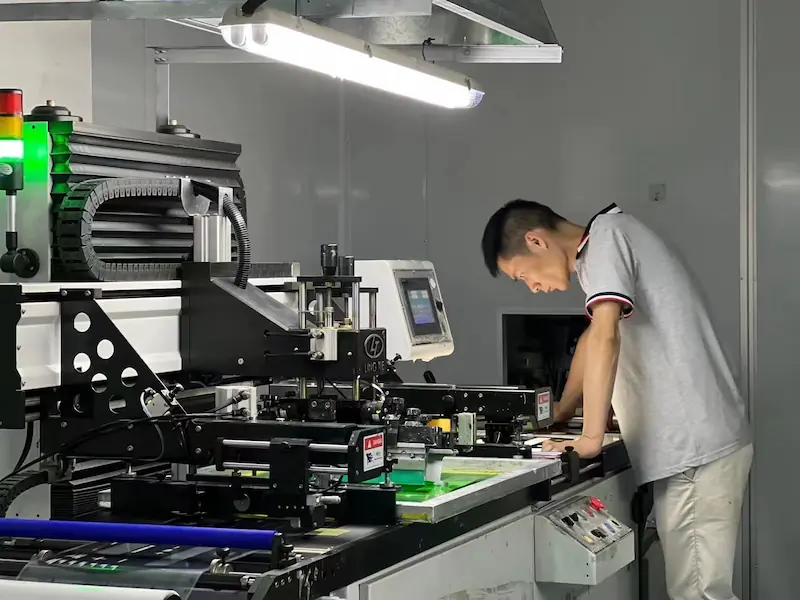
Graphic Overlay Printing
Graphic overlay printing must protect the visual identity and usability of a control interface throughout the product’s service life. JASPER supports graphic overlay printing for membrane switches, control panel overlays, keypads, and electronic interface panels.
Printing decisions affect color accuracy, window clarity, light blocking, abrasion resistance, chemical resistance, and operator readability. For this reason, artwork review and material selection should happen before production.
Quick answer: overlay printing is part of the product structure.
A graphic overlay is not only a decorated label. The print stack can define icons, warning colors, display windows, LED indicators, dead-front graphics, opaque layers, surface finish, and readable controls. Printing must be reviewed together with film material, adhesive, embossing, lighting, cleaning exposure, and inspection criteria.
Production factors that affect printed overlays
The original plan required color, opacity, windows, surface, durability, and registration. The expanded page connects each point to real OEM production risk.
| Area | Production focus | What can go wrong if ignored |
|---|---|---|
| Color | Pantone or sample matching, approved color references, and batch consistency | Color shift between sample and production can affect branding and buyer approval |
| Opacity | Light blocking, dead-front control, contrast, and hidden-icon visibility | Weak opacity can create light leakage, ghost icons, or poor readability |
| Windows | Transparency, tint, display readability, LED windows, and registration | Window haze, scratches, dust, or poor alignment can make displays difficult to read |
| Surface | Gloss, matte, textured, hard-coated film, and cleanable surfaces | Wrong finish can create glare, fingerprints, cleaning issues, or abrasion complaints |
| Durability | Subsurface printing, chemical exposure review, abrasion review, and sample approval | Exposed or poorly protected graphics may wear, fade, or fail under cleaning |
| Registration | Alignment with keys, LEDs, windows, embossing, holes, and cutouts | Misregistration can affect icons, button locations, dead-front effects, and assembly fit |
Related engineering guide: control print-to-emboss registration and formed graphics.
Related engineering guide: plan dead-front glass optical zones and installed registration.
Printing quality is a production discipline, not decoration
JASPER’s cleanroom-supported production space helps control handling for sensitive overlay printing, lamination, and inspection steps. This matters when a panel has clear windows, dead-front icons, glossy surfaces, backlit graphics, or display areas where dust and particles are easy to see.
- Subsurface printing helps protect graphics from direct abrasion.
- Opaque layers and masking help control light leakage and contrast.
- Window areas need separate review for clarity, tint, scratches, and alignment.
- Sample approval should lock color, material, finish, and revision before production.
RFQ note: Send artwork files, Pantone or sample colors, material preference, window and LED positions, surface finish, backlighting needs, cleaning exposure, and expected quantities.
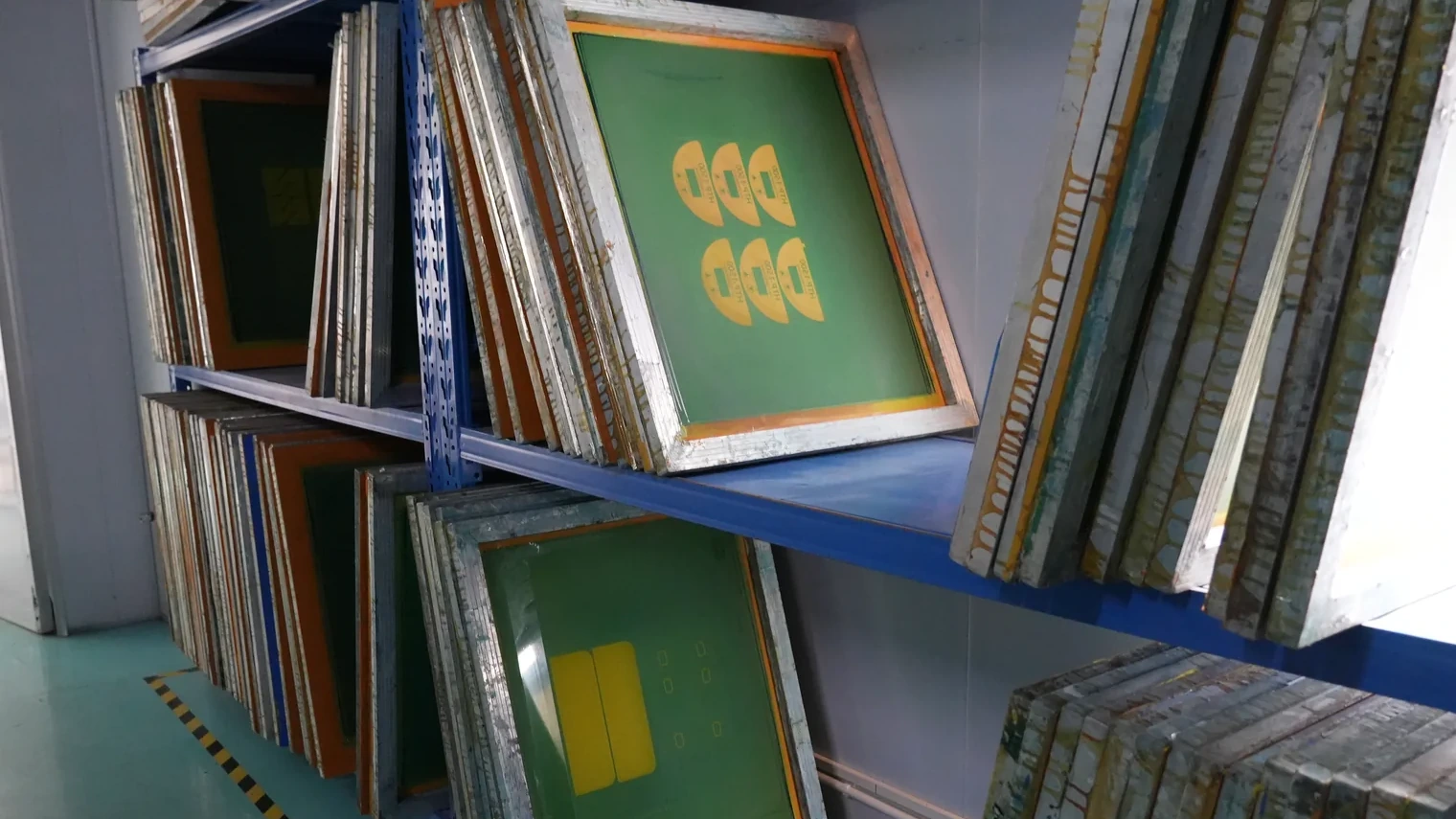
What buyers should prevent before sample approval
A printed overlay may look simple, but small production details can affect readability, lighting, bonding, and repeat orders.
Color mismatch
Artwork colors should be translated into Pantone, RAL, physical samples, or approved customer references. Critical colors should not be left to screen appearance alone.
Poor light blocking
Backlit icons, LED windows, and dead-front graphics need opacity and masking review. A sample should confirm whether hidden graphics stay hidden when inactive.
Window defects
Display windows need clean handling, clear material, controlled printing edges, and inspection for haze, particles, scratches, and alignment.
Chemical exposure
Cleaning agents, oils, disinfectants, and industrial chemicals should be shared before material and ink-stack decisions.
Registration errors
Print layers must align with keys, LEDs, windows, cutouts, embossing, and adhesive structures. Small shifts can become visible in the final assembly.
Revision confusion
Artwork revision, approved sample, color reference, and inspection notes should be locked before repeat production.
Information to send for a printability review
Good printing decisions depend on artwork, material, finish, lighting, windows, environment, and inspection expectations being reviewed together.
| RFQ item | Details to provide | Why it matters |
|---|---|---|
| Artwork file | Vector artwork, layer files, icon notes, fonts, dimensions, and revision number | Avoids missing layers, wrong icons, or production from an outdated file |
| Color standard | Pantone, RAL, printed sample, customer color chip, or acceptable tolerance notes | Supports color matching and repeat-order control |
| Material and finish | PET, polycarbonate, hard-coated film, matte, gloss, textured, or customer preference | Affects print protection, durability, readability, and cleaning |
| Windows and lighting | Display windows, LED positions, dead-front icons, backlighting, tint, and brightness needs | Controls window clarity, opacity, light leakage, and icon visibility |
| Application environment | Cleaning chemicals, UV, abrasion, humidity, oil, gloves, and touch frequency | Helps select material, coating, print stack, and inspection points |
| Assembly details | Adhesive backing, housing material, embossing, button areas, cutouts, and packing needs | Keeps printing aligned with the full overlay structure |
Connect printing to materials and manufacturing
These links keep the capability page connected to the Graphic Overlay product line, manufacturer page, materials guide, and RFQ path.
Graphic overlay printing questions
Can JASPER print overlays with transparent windows?
Yes. Window clarity, tint, display alignment, dust control, and surface protection can be reviewed according to the application.
Can JASPER match Pantone colors?
Yes. Critical colors should be confirmed through Pantone references, physical samples, or sample approval before production.
Is subsurface printing available?
Yes. Subsurface printing helps protect graphics from direct abrasion because the printed layers are protected behind the overlay film.
Can printing support dead-front icons?
Yes. Dead-front graphics can be reviewed when icons should stay hidden until an LED or backlight is active. Opacity and light blocking need sample confirmation.
What files are needed for a printability review?
Send vector artwork, dimensions, material preference, colors, window and LED positions, surface finish, cleaning exposure, and quantity requirements.
Compare backlighting options before tooling
Review LED indicators, light guide film, dead-front icons, windows, brightness, and light leakage before sample approval.
Need a printability review before sampling?
Send artwork and material requirements so JASPER can review color, windows, opacity, surface finish, adhesive backing, and inspection points before production.
Send Artwork and Requirements