
Custom OEM interfaces · Since 2006
Custom Membrane Keypad Manufacturer
The right key feel. The right connection.
Printed overlays, tactile or non-tactile keys, circuit tails and connectors—built around your equipment, from a new design or an existing sample.
Have a drawing, a sample or just a sketch? Start there.
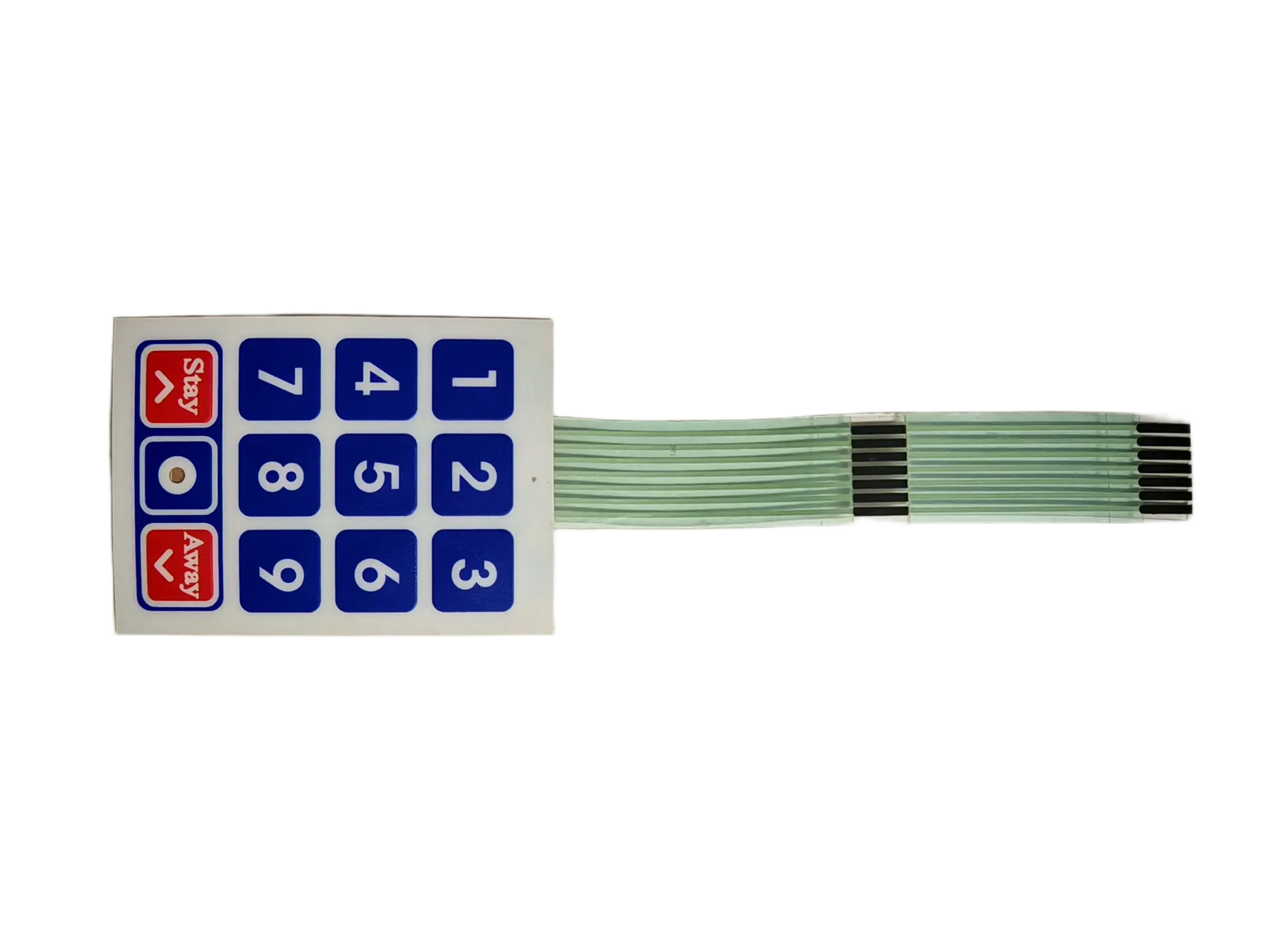
01 / Start with your project
A new interface.
Or a keypad you need to replace.
Both routes lead to an approved keypad specification. What changes is the information we start with—and the uncertainties to resolve before making samples.
Develop a custom keypad
Turn a key layout and enclosure concept into a manufacturable assembly. Align graphics, contact structure and the controller connection before tooling.
- Key functions, size and display openings
- Tactile response and operating conditions
- Matrix, connector and mounting requirements
Replace an existing keypad
Use a physical sample, photographs and equipment information to define the replacement. Separate features to retain from failures or installation issues to improve.
- Front and rear photographs, plus a sample if available
- Key-to-pin mapping and mating connector
- Wear, intermittent keys or bonding concerns
02 / Match the construction
Choose the response.
Then define the assembly.
Tactile response, circuit substrate and lighting are separate design choices. A keypad can combine them; these examples are not mutually exclusive product categories.
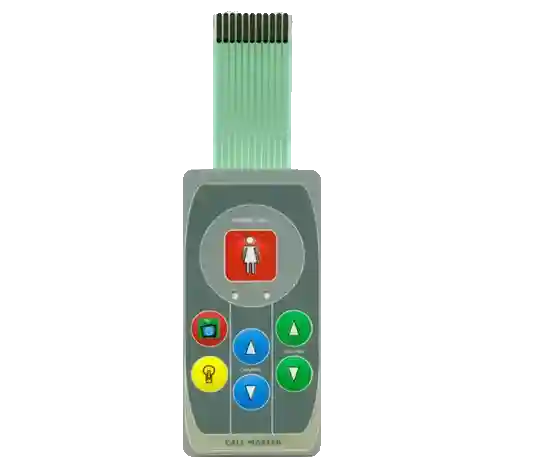
Defined press feedback
Tactile membrane keypads
Coordinate dome selection, overlay embossing, spacing and support. Approve the feel of the assembled keypad, not only the dome component.
Explore tactile options ↗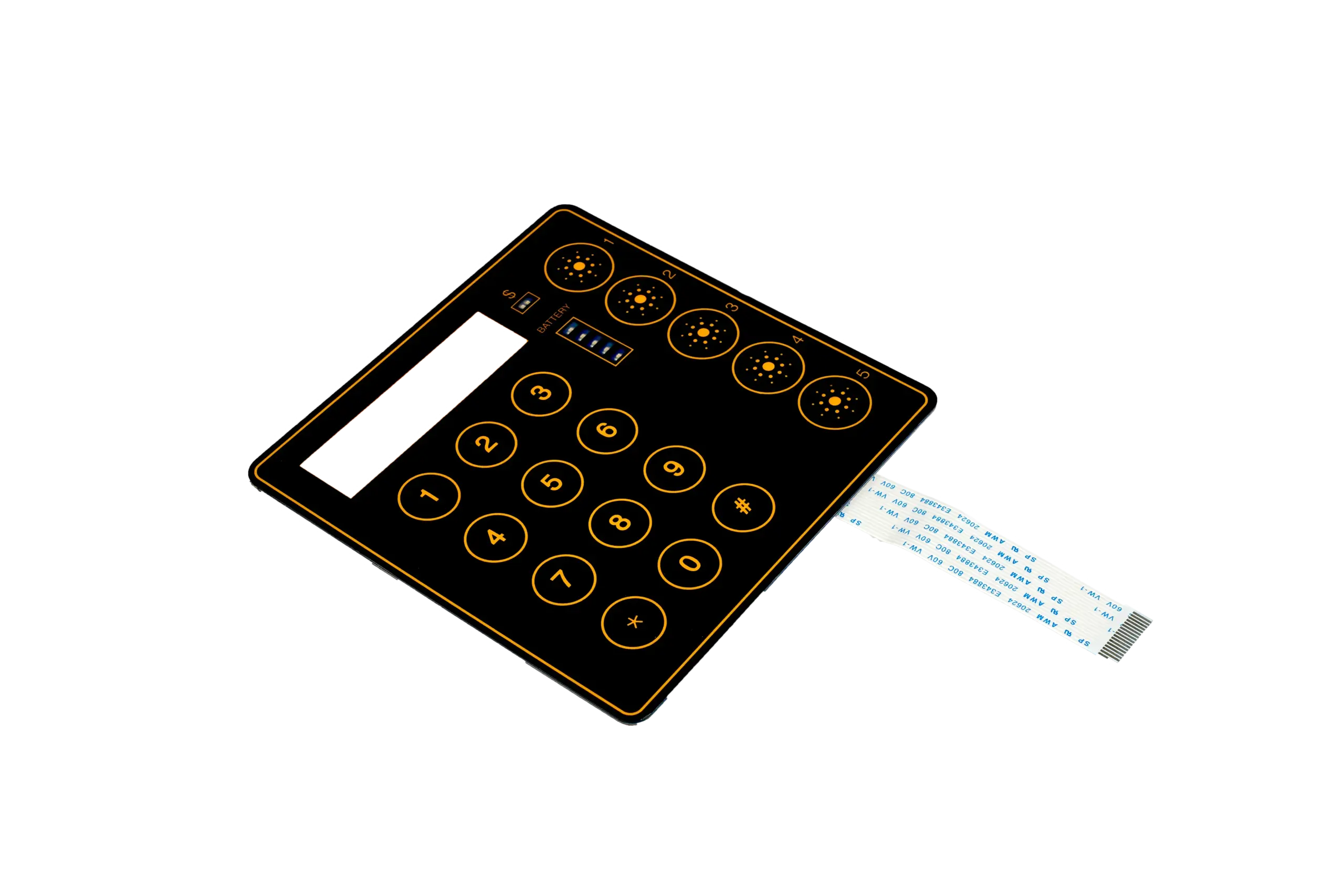
Without a snap-action click
Non-tactile membrane keypads
Use a flat contact construction where a smooth surface is preferred. Review actuation, contact behavior and visual or audible feedback from the equipment.
Explore non-tactile options ↗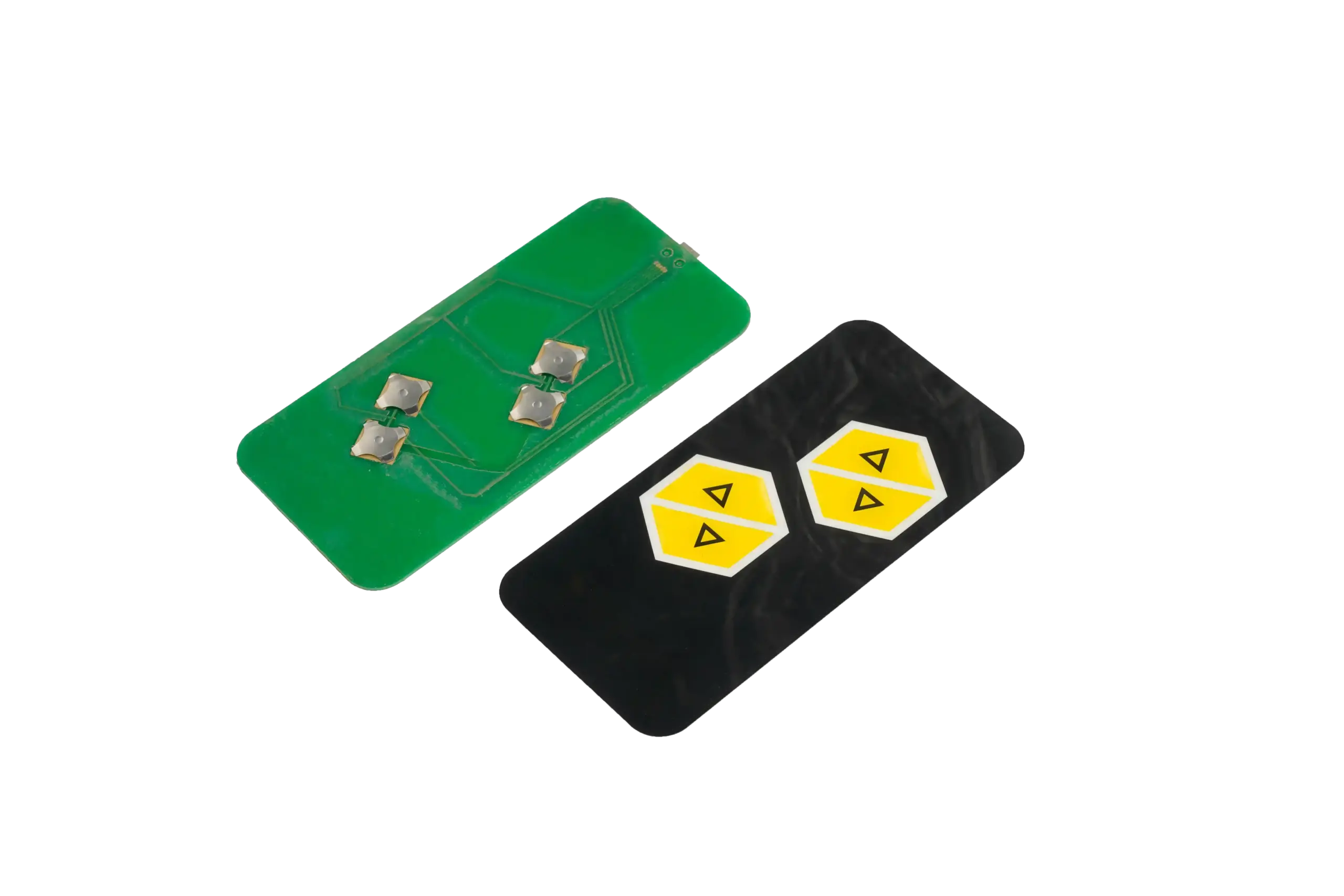
Support and interconnection
PCB & FPC-based assemblies
Review rigid support, flexible routing, component positions and mounting together. Define which electronics and interconnections are included in the supply.
Explore PCB & FPC options ↗03 / One released specification
The face, the feel
and every connection.
A correct-looking keypad can still have the wrong electrical mapping or installation fit. We bring these decisions together before the sample is approved.
Swipe the table to compare all three columns.
| Decision | Manufacturing review | Confirm before release |
|---|---|---|
| Key layout & graphics | Key positions, legends, print colors, display windows and embossing. | Approved artwork, dimensions, window alignment and cosmetic acceptance. |
| Key feel | Tactile or non-tactile construction, dome selection, spacer and supporting surface. | The assembled sample response, intended operating force and acceptance method. |
| Circuit & key mapping | Printed circuit, PCB or FPC construction; matrix or common-line layout. | Numbered pinout, key-to-pin connections, electrical limits and test drawing. |
| Tail & connector | Length, exit position, contact pitch, contact side, stiffener and mating connector. | A fit check in the enclosure, available bend space and connector engagement. |
| Overlay & mounting | PET or polycarbonate, surface finish, adhesive, backing and installation surface. | Material choice, recess depth, cleaning conditions and bonding requirements. |
| LEDs, windows & shielding | Indicator locations, display openings, wiring, light blocking and shield termination. | Supply scope, pin assignments and any equipment-level validation requirements. |
The same number of keys or pins does not mean two keypads are interchangeable. Circuit mapping, contact orientation and the mating connector must all agree with your controller.
JASPER manufacturing scope
Keypad structure, graphics, circuits, connection details, assembly and the agreed inspection plan.
Your equipment interface
Host scan logic, firmware, debounce behavior and final installation are confirmed with your electronics team unless expressly included in the project.
04 / Inside the manufacturing process
From printed layers
to a checked keypad.
JASPER brings printing, controlled handling, assembly and inspection into the keypad build. The approved drawing and inspection requirements connect each stage.
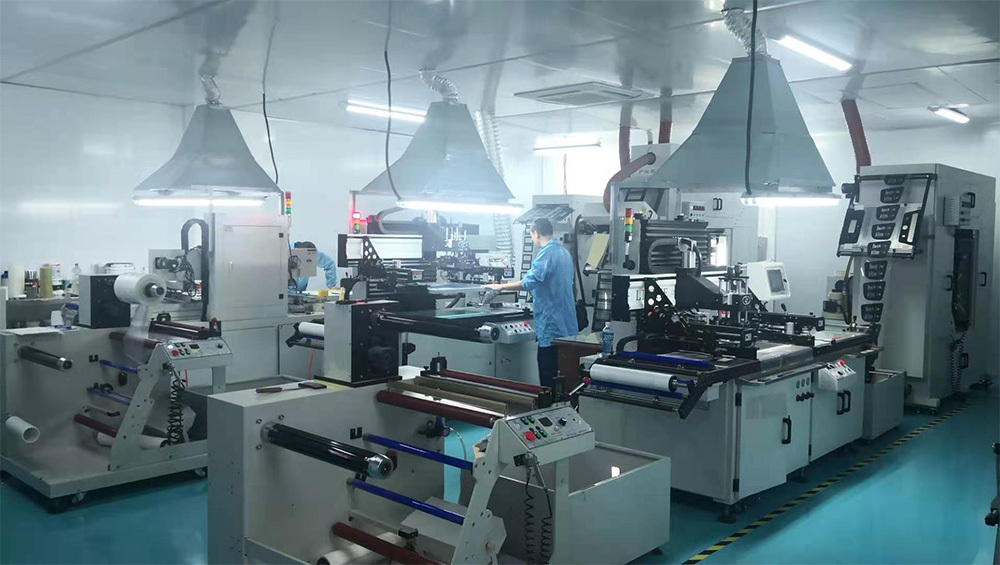
Graphics and circuit registration
Coordinate printed legends, key locations, windows and circuit features against the approved artwork.

Align the layer stack
Controlled handling supports clean windows, layer alignment and assembly.

Test against the circuit
Set continuity and short-circuit checks against the released connection drawing.

Review visible quality
Check legends, windows, surface condition and the agreed appearance criteria.
05 / Existing sample or supplier change
Keep the fit.
Resolve the unknowns.
A replacement project needs more than matching the front artwork. The electrical interface and installed behavior matter just as much.
Share the current sample and explain why you are replacing it: unavailable supply, damaged legends, intermittent keys, lifting edges or a design change. We review the target build with those conditions in mind.
Review a Replacement Keypad ↗Before you approve a replacement
- Record the interfaceOutside dimensions, key positions, window openings, tail route, contact side and connector.
- Confirm the electrical mapKey-to-pin continuity, matrix/common lines and separate LED or shield connections where present.
- Resolve worn-sample detailsConfirm original color, key feel and adhesive rather than copying an aged or damaged condition.
- Fit and test the new sampleApprove mounting, every key function and the response in your actual equipment.
Existing appearance alone does not establish drop-in compatibility.
06 / From sample to repeat production
Approve the keypad.
Control what comes next.
The reference for a repeat order is the released build—not a product photograph. Keep mechanical, electrical and appearance requirements tied to the same revision.
- 01
Review the requirements
Align drawing, artwork, key behavior, controller connection, use environment and quantity.
Output: an agreed project scope and a list of open decisions. - 02
Make and approve samples
Review graphics and dimensions, check connections, then assess key feel and installation.
Output: approved artwork, construction and sample acceptance. - 03
Release the production build
Confirm materials, inspection criteria, packaging and labeling against the approved revision.
Output: the production reference and agreed shipment requirements. - 04
Manage repeat orders
Reference the drawing revision and disclose changes to the controller, enclosure or operating conditions.
Output: confirmation that the previous build still matches the application.
Acceptance belongs to the finished keypad
Agree what a passing sample looks and feels like.
- Dimensions and installed fit
- Legends, color and window appearance
- Key mapping and electrical function
- Key response in the intended mounting
Sample and production timing are confirmed with the approved design, tooling, materials and quantity. Sealing, cleaning resistance and lifetime requirements need project-specific criteria; they are not inferred from a product photograph.
07 / Prepare the next conversation
Useful documents.
Fewer missing details.
Use these resources to organize a drawing or sample review. For the broader manufacturing process, see our membrane switch manufacturing capabilities.
Membrane switch specification
A reference document for defining construction and technical requirements. Confirm the specification for your keypad.
Open specification PDF ↗ PDF / ENGLISHRFQ preparation checklist
Collect drawings, artwork, electrical information, quantities and operating conditions before requesting a quotation.
Open RFQ checklist PDF ↗ ENGINEERING GUIDEMembrane switch design guide
Explore layout, construction and integration decisions beyond the initial manufacturing review.
Read the design guide ↗08 / Before you request a quote
Practical answers
for your keypad project.
Not sure which construction to specify? A sketch or sample can start the discussion.
Ask about your project ↗What is the difference between a membrane keypad and a membrane switch?
A membrane keypad is a key-based interface built using membrane switch technology. It brings the printed key layout, contact structure, circuit, tail and mounting adhesive together. The terms often overlap; the drawing and agreed supply scope define what you receive.
Can you manufacture a replacement from an existing keypad?
Yes. JASPER can review an existing sample together with its dimensions, pinout, key functions and installation details. Worn samples may not show the original key force, color or adhesive specification. Confirm those requirements and approve the new sample in the equipment before production.
Can you make tactile and non-tactile membrane keypads?
Yes. Tactile and non-tactile constructions are available. The selection depends on the required user feedback, overlay, key spacing and installation. Approve the assembled keypad feel; a dome specification alone does not describe the feel of the finished keypad.
Do you supply standard 3×4 or 4×4 keypads from stock?
This page covers custom OEM manufacturing, not a stock keypad catalogue. A familiar key arrangement does not guarantee the same matrix, tail or connector. Send the required layout and electrical drawing so the actual build can be defined.
Can the tail, connector and pinout match our controller?
Tail length, contact pitch, pin count, contact orientation, connector and stiffener requirements can be reviewed for your controller. Provide the mating connector specification and a numbered pinout. Confirm the routing and bend area in the enclosure before releasing the drawing.
Can a keypad include LEDs, windows or a shield layer?
These features can be reviewed as part of a custom construction. Specify indicator positions, display clearances, power and wiring requirements, and any shield termination. Sealing and EMC requirements must be assessed with the finished equipment rather than assumed from a feature name.
What should we send if the drawing is not finished?
Start with a sketch or sample photographs, overall dimensions, key functions, the available controller connection, expected quantity and operating environment. Include what is known and identify open decisions. Artwork, the circuit and installation details can then be aligned before sampling.
How are lead time and repeat orders confirmed?
Lead time is confirmed against the approved construction, artwork, material availability, tooling and quantity. For repeat orders, reference the released drawing and approved sample, and identify changes to the housing, controller or cleaning conditions. Confirm any revised requirement before production.
Start with what you have
Let’s define your
next membrane keypad.
Send a drawing, artwork or sample photos. Include the key functions, connector information, quantity and where the keypad will be used.