
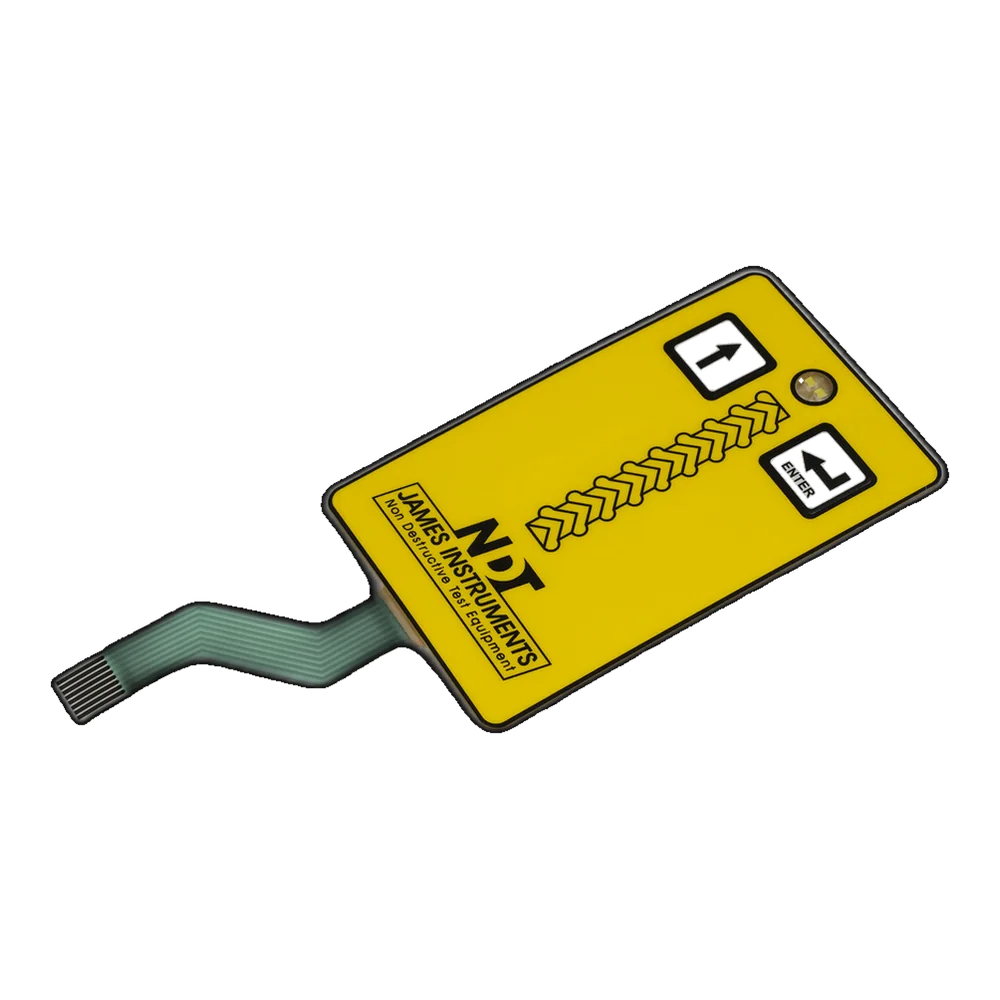
触覚メンブレンスイッチと非触覚メンブレンスイッチ
触覚メンブレン スイッチは、通常は金属ドームを使用して、顕著なクリック応答を提供します。非触覚メンブレン スイッチは、より平坦な密閉表面を使用しており、視覚またはシステムのフィードバックで十分な場合によく選択されます。
購入者は、使用状況、洗浄、シーリング、コスト目標、電子機器のフィードバック、サンプル承認のニーズに基づいて選択する必要があります。正しい答えは、ユーザーの行動、洗浄、密閉、コスト目標、電子機器のフィードバック、サンプル承認のニーズによって異なります。
簡単な答え: 触覚でクリック感が得られます。非触感なので表面をより平らに保ちます。
タクタイルスイッチは、オペレータが感触で押下を確認する必要がある場合に役立ちます。非触覚スイッチは、スムーズな清掃、薄型、静かな操作、または電子フィードバックがより重要な場合に役立ちます。構造が正しく確認されていれば、両方ともカスタム印刷、シール、テールによる接続、LED またはウィンドウとの組み合わせが可能です。
触覚メンブレンスイッチと非触覚メンブレンスイッチ
サンプリングする前に、以下の比較を使用して、キーの感触、構造、コスト、密閉性、ユーザーからのフィードバックについて話し合います。
| Factor | 触覚メンブレンスイッチ | Non-tactile membrane switch |
|---|---|---|
| User feedback | Clear click response, usually from metal domes or formed structures | Smooth low-profile feel, often relying on visual, electronic, or system feedback |
| Structure | Usually needs dome pockets, spacer control, dome alignment, and support surface review | Can use a simpler contact structure, but still needs spacer, contact, and overlay control |
| Surface feel | Can be flat, rim embossed, key embossed, or slightly raised depending on the overlay | Often flatter and easier to wipe, with key zones defined by print, texture, or graphics |
| Best use | Industrial controls, handheld devices, medical equipment, operator panels, and high-confirmation inputs | Cleanable surfaces, simple controls, sealed panels, appliances, and interfaces with display or LED feedback |
| Design risk | Dome force, dome size, stack height, key support, and sample feel must be controlled | Key boundaries must be clear, and users must still understand when the input has been accepted |
| Cost drivers | Metal domes, dome placement, spacer features, force checking, and tactile sample approval | Usually simpler stack, but cost still depends on artwork, material, circuit, adhesive, and sealing |
| Sealing considerations | Dome and spacer design must not create unwanted leak paths or inconsistent key support | Flatter surfaces can help cleanability, but tail exit, edges, adhesive, and enclosure still control sealing |
通常、各オプションがより適切に適合する場合
ほとんどの選択ミスは、ユーザーが実際に製品をどのように操作するかを考慮せずに、図面だけからインターフェイスを選択したときに発生します。
Choose tactile when…
- オペレーターはパネルを見ずに確認する必要があります。
- この製品は、手袋、振動、騒音、または高い注意力が要求される環境で使用されます。
- 定義された作動力またはクリック感はサンプルによって承認される必要があります。
- The interface has important keys where accidental uncertainty is costly.
- Metal dome feel is part of the product expectation.
Choose non-tactile when…
- A flatter and smoother front surface is preferred.
- Cleaning, wipe-down, or quiet operation matters more than click feedback.
- The product already gives visual, LED, display, or audio confirmation.
- The key function is simple and does not require strong mechanical feedback.
- A simpler stack supports the cost and assembly target.
What changes inside the stack?
The difference is not only the feel at the surface. Spacer design, dome position, overlay support, contact structure, and testing all change the result.
| Design area | Tactile detail | Non-tactile detail |
|---|---|---|
| Metal dome or contact | Usually uses a dome to create snap feel and contact closure | Can close through a simpler contact structure without a strong dome click |
| Spacer design | Needs dome clearance, alignment, and enough support for repeatable snap | Needs accurate contact separation and movement without relying on dome snap |
| オーバーレイ and embossing | May use rim embossing, key embossing, or printed key zones to guide the press | Often uses printed zones, texture, or flat graphics to show where to press |
| Actuation review | Dome force, snap feel, and sample comparison are important | Contact reliability and user recognition of accepted input are important |
| Testing focus | Continuity, short/open, force feel, dome placement, visual alignment | Continuity, short/open, visual clarity, contact behavior, surface support |
| Assembly sensitivity | Housing support under the dome can change the feel | Housing flatness and adhesive support can change contact reliability |
Questions to answer before choosing key feel
A good RFQ should describe the operator, the environment, and the feedback method instead of only saying tactile or non-tactile.
- Will the user press keys while looking elsewhere?
- Will operators wear gloves or use the product in vibration/noise?
- Does the product already provide LED, display, sound, or software feedback?
- Does the panel need frequent cleaning or a very smooth front surface?
- Are there water, chemical, dust, UV, or outdoor exposure requirements?
- Is a specific actuation force or click feel required for sample approval?
- Does the enclosure support the switch area evenly?
- Can tactile and non-tactile zones be mixed in one assembly?
RFQ note: Send existing samples if key feel matters. Photos and drawings show the layout, but they do not fully describe dome force, snap ratio, overlay support, or the way the key feels after installation.

Typical applications and decision risks
The same equipment category can use either type. The better choice depends on how much feedback, cleaning, sealing, and cost control the project needs.
| Application situation | Often tactile when… | Often non-tactile when… |
|---|---|---|
| Industrial control | Operators need confident key press feedback in noisy or gloved operation | The panel is simple, cleanable, or supported by display feedback |
| Medical or cleanable device | Important functions need confirmation and sample feel approval | Smooth wipe-down surface and visual feedback are more important |
| Handheld device | The user needs click confirmation without looking closely | Thin low-profile controls and simplified sealing are preferred |
| Appliance panel | Buttons need a familiar click or repeated use confirmation | A smooth modern front with LEDs or display feedback is desired |
| Outdoor or wet equipment | Feedback is needed through gloves or vibration | Sealing, wipe-down, and fewer raised areas are prioritized |
| Low-cost simple interface | A few important keys need reliable press confirmation | Simple functions can rely on graphics and system response |
Continue comparing key structures
Related resources connect key feel with product type, working principle, metal domes, and connector design.
Tactile and non-tactile switch questions
Can tactile and non-tactile keys be combined?
Yes. A single membrane switch assembly can include both styles when spacer openings, dome positions, overlay graphics, circuit layout, and inspection criteria are designed together.
Is a tactile membrane switch more expensive?
It can be, because metal domes, dome placement, spacer control, and actuation-force review may add structure and inspection work. The final cost depends on the complete stack, not only the click.
Which lasts longer, tactile or non-tactile?
Life depends on material, structure, actuation force, environment, enclosure support, and testing requirements. Neither type is automatically longer lasting for every product.
When should I choose tactile feedback?
Choose tactile feedback when users need confirmation without looking at the panel, when gloves are used, or when the interface is used in noisy, vibrating, or high-attention environments.
When is non-tactile better?
Non-tactile can be better when a flatter sealed surface, simple cleaning, quieter operation, or electronic/visual feedback is more important than a click.
Can both types be waterproof?
Yes, but waterproof performance depends on the whole product system: overlay, adhesive, edge design, tail exit, connector protection, enclosure, and exposure test.
Can tactile keys be backlit?
Yes. Tactile keys can be combined with LEDs, dead-front icons, windows, or light guide films, but dome clearance, circuit routing, opacity, and window alignment must be reviewed.
What should I send for key-feel review?
Send the key layout, artwork, enclosure drawing, target feel, sample photos if available, application environment, expected volume, and any actuation-force or life-cycle requirement.
Need help choosing tactile or non-tactile key feel?
Send your key layout, enclosure details, user environment, cleaning exposure, and sample target. JASPER can review whether tactile, non-tactile, or a mixed structure fits the product.
Request a Key Feel Review